
Android · Open testing
 Tunely
Add Music to Video.
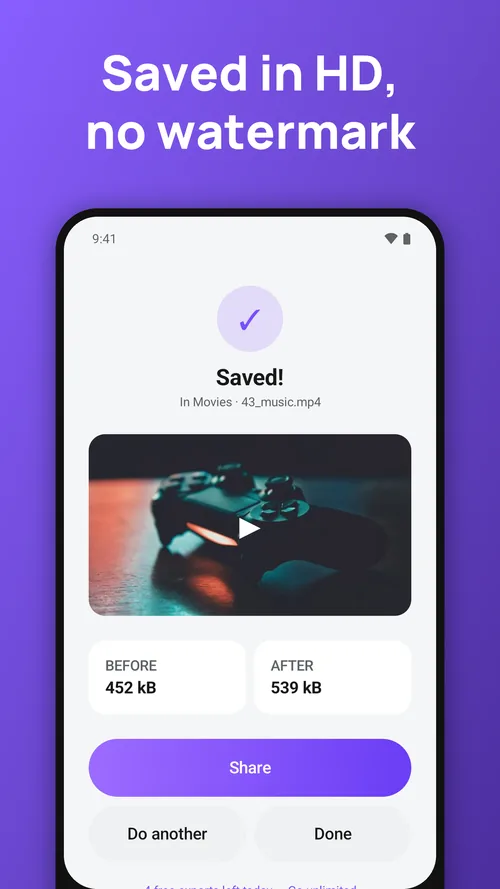
Add music to any video in a few taps. Pick a clip, pick a song from your phone, set the volume and save — Tunely mixes the song under your voice and writes a new MP4 in seconds, offline and with no watermark.

Add background music to video
Use any MP3, M4A, WAV or other audio file on your phone. The song is cut to the length of the video and fades in and out so it never starts or stops abruptly. If the song is shorter than the video, Tunely can repeat it.
Keep your voice — or replace it
Set “Original sound” anywhere from full volume to muted, then balance it against the music volume slider — keep a voice-over under the song, or replace the original audio completely.
Mute video — remove audio from video
One tap saves a silent copy of the clip. Handy for removing background noise, wind or a conversation before you post.
Fast, no quality loss
Only the sound track is rebuilt; the picture is copied across untouched. A 10-minute video is done in seconds and looks exactly like the original.
Made for reels, shorts and tiktok
Add a soundtrack to travel clips, vlogs, gameplay, tutorials, birthday videos and slideshows, then share straight to Instagram, YouTube, TikTok, WhatsApp or Zalo.
Questions people ask
Are my videos uploaded anywhere?
No. Everything is processed on your phone. The apps work in flight mode.
Is there a watermark?
No. Nothing is ever stamped on your exports, free or Premium.
I changed phones. How do I get Premium back?
Open Settings → Restore purchases while signed in to the same Google account.
Tunely: Add Music to Video
Feedback and support: hieu.trantrung1204@gmail.com